
Full detail, without the noise
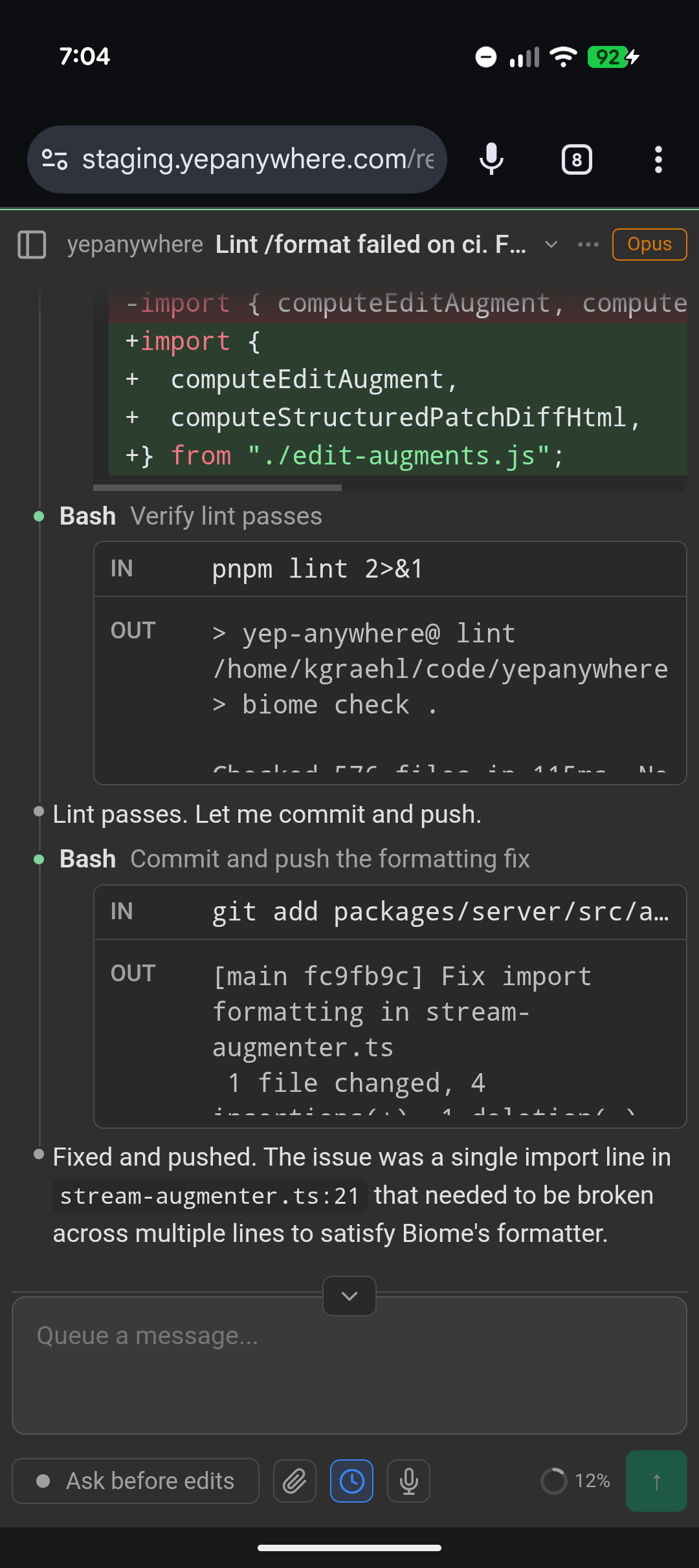
The complete session transcript, every tool call, and available thinking stay within reach. Switch to Conversation view or collapse routine activity whenever you want a calmer, less verbose read.
The full agent workspace, everywhere
Access all your Claude Code and Codex agents from any browser—on any computer, tablet, or phone—with the full workflow intact.
Use your existing Claude or ChatGPT subscription
Use existing subscriptionsClaude + ChatGPT plans
No network setupInstall, set a password, open anywhere
Uses the official toolsClaude Code + Codex run on your host
Private by architectureDirect connection or end-to-end encrypted relay
Not just another remote control
We surveyed the remote-agent landscape. Plenty of projects forward an agent chat to another screen. We did not find another that combines this much agent control with every-device access, local data ownership, direct connections, and an end-to-end encrypted relay.
The complete session transcript, every tool call, and available thinking stay within reach. Switch to Conversation view or collapse routine activity whenever you want a calmer, less verbose read.
Claude Code and ChatGPT now offer useful first-party remote experiences. Yep Anywhere gives the complete multi-provider workspace to anything with a modern web browser, across all your connected hosts.
Agents, credentials, and history stay on your machines. Connect directly, self-host the infrastructure, or use end-to-end encrypted relay traffic the relay cannot read. Public shares are separate and opt-in.
Built for real agent workflows
Coordinate sessions, steer active work, inspect changes, and control how each machine is exposed.
Use any modern web browser—on another computer, a tablet, or a phone—to supervise sessions running on another host.
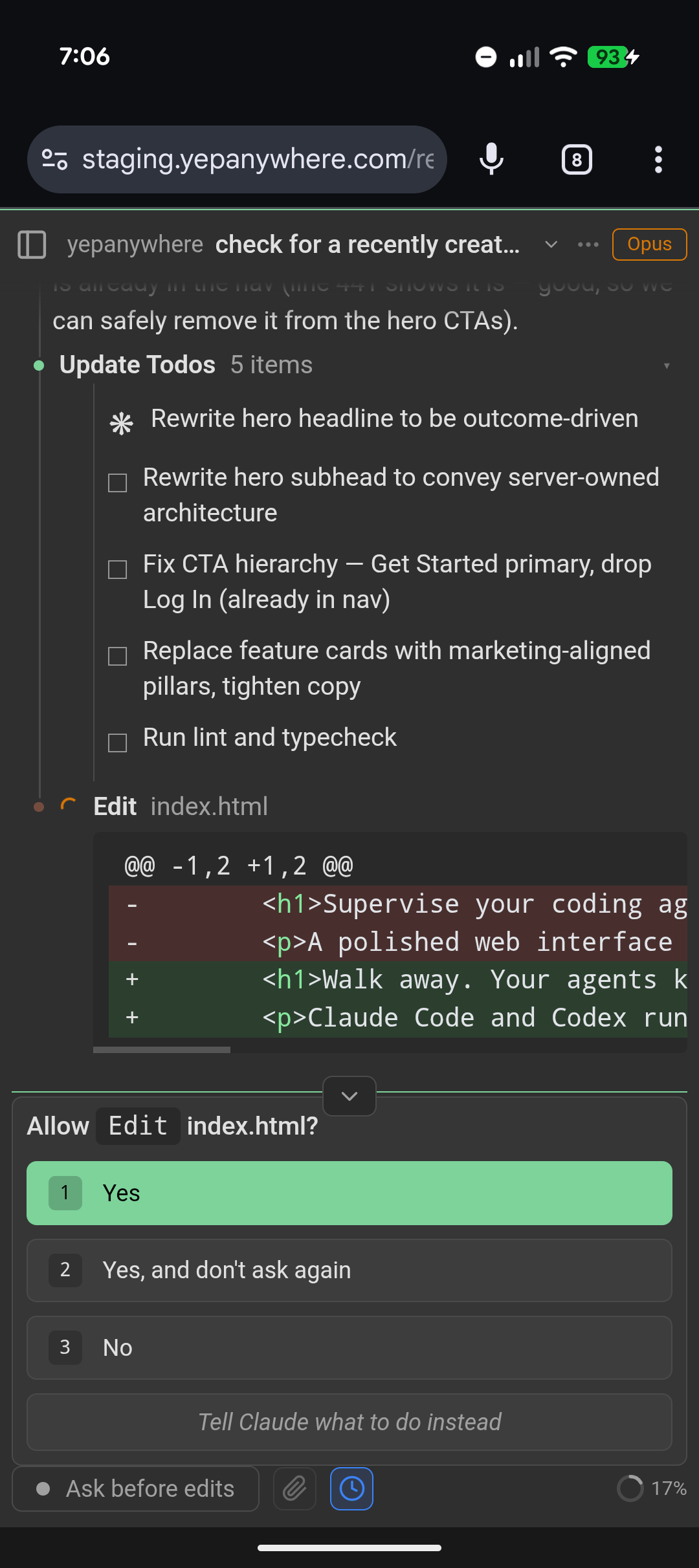
Read the guideReview tool requests, answer questions, and unblock an agent from a touch-friendly session view.
Read the guideSee the complete conversation, every tool call, and available thinking—or condense routine activity when you want a quieter view.
Read the guideSee which sessions need attention, which are active, and which changed while you were away.
Read the guideRedirect compatible agents mid-turn or line up verbatim follow-ups for the next safe delivery boundary.
Read the guideRun through the official Claude Code and Codex processes using their signed-in subscription plans, and see usage limits when providers expose them.
Read the guideBrowse working-tree and commit diffs, search tracked files and blame, send line-comment review bundles to agents, and explicitly check remote, fast-forward pull, or push.
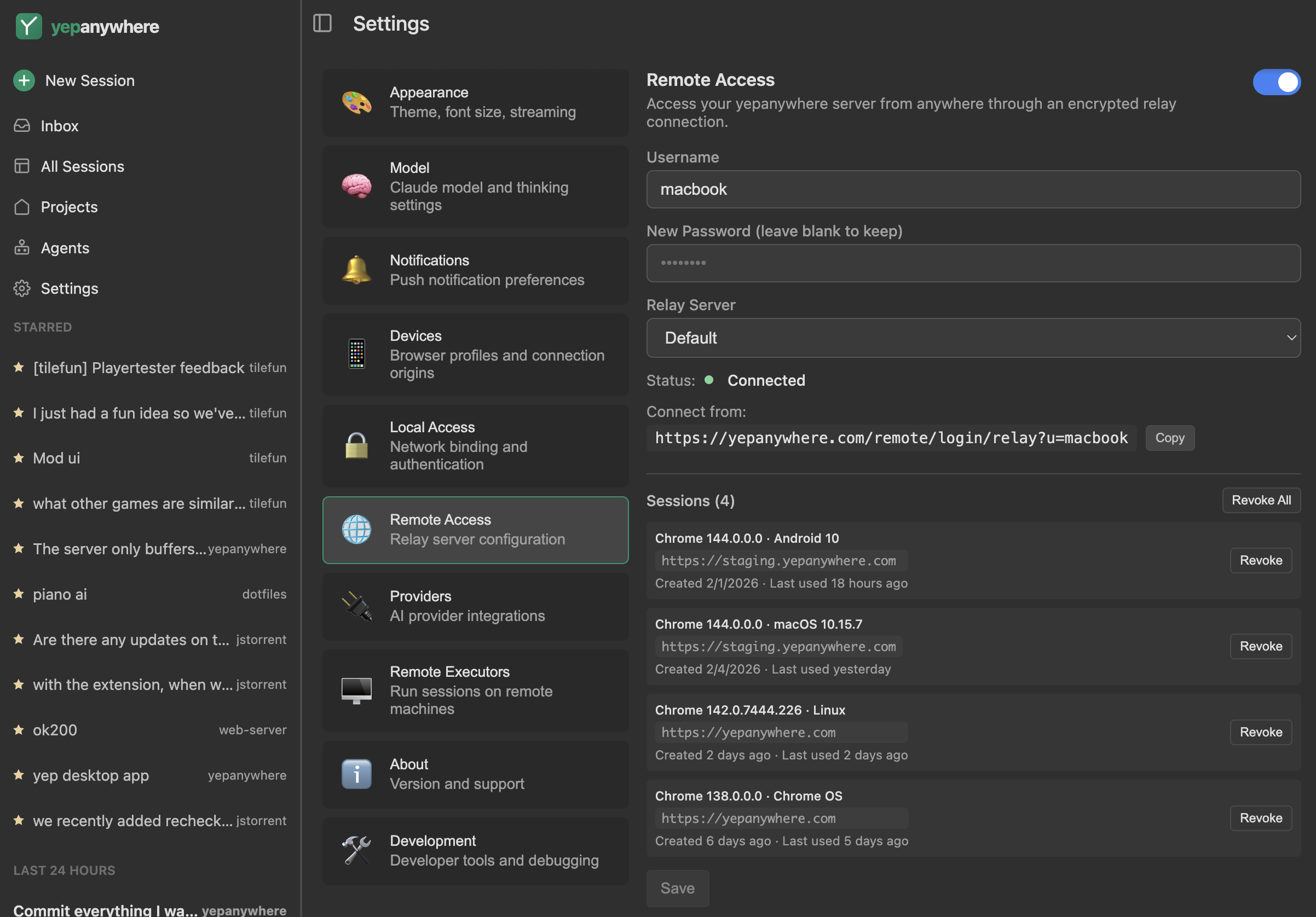
Read the guideEnable the end-to-end encrypted public relay, set a password, and connect from any browser—no device pairing, VPN, or port forwarding.
Read the guideRemote without surrendering control
For the easiest path, enable the free end-to-end encrypted public relay, set a password, and open Yep Anywhere from any browser. No device pairing, VPN, or port forwarding. Your provider credentials and session history remain on the host.
Security is ongoing work
Security comes from understandable architecture and continued review—not a blanket promise.
The runtime dependency surface is kept deliberately narrow. New dependencies must justify their long-term update, payload, and audit cost; security and cryptography use established implementations.
Authentication, relay boundaries, content rendering, local file access, dependencies, and provider integrations are repeatedly reviewed as the product changes. Read the security guide.
The people responsible for the project are public and the core maintainer set is intentionally small.
Choose your starting point
Desktop packaging is nearing release readiness. The npm install remains the established path for full configuration access.
Signed installers bundle the server and web client for a guided local setup.
Desktop installation guide$ npm i -g yepanywhere$ yepanywhereThe practical difference
Claude Code Remote Control and Codex in the ChatGPT mobile app are useful first-party options. Yep Anywhere puts Claude Code and Codex together in one complete browser workspace across all your connected hosts. You are not limited to one provider or a phone app.
Claude Code and Codex are first-class providers. OpenCode, Grok Build, Claude + Ollama (legacy), Gemini CLI, and pi integrations are experimental.
No. The server owns agent processes, so active work continues across browser disconnects. The host machine does need to stay running.
No hosted Yep Anywhere workspace or product account is required. Run the server yourself, then connect directly or through the optional relay.
Not yet. The full product works in a mobile browser today. Android is in development and iOS is planned afterward; neither app is published.
One install. Every screen.
Start locally in minutes, then decide how—and where—you want to reconnect.